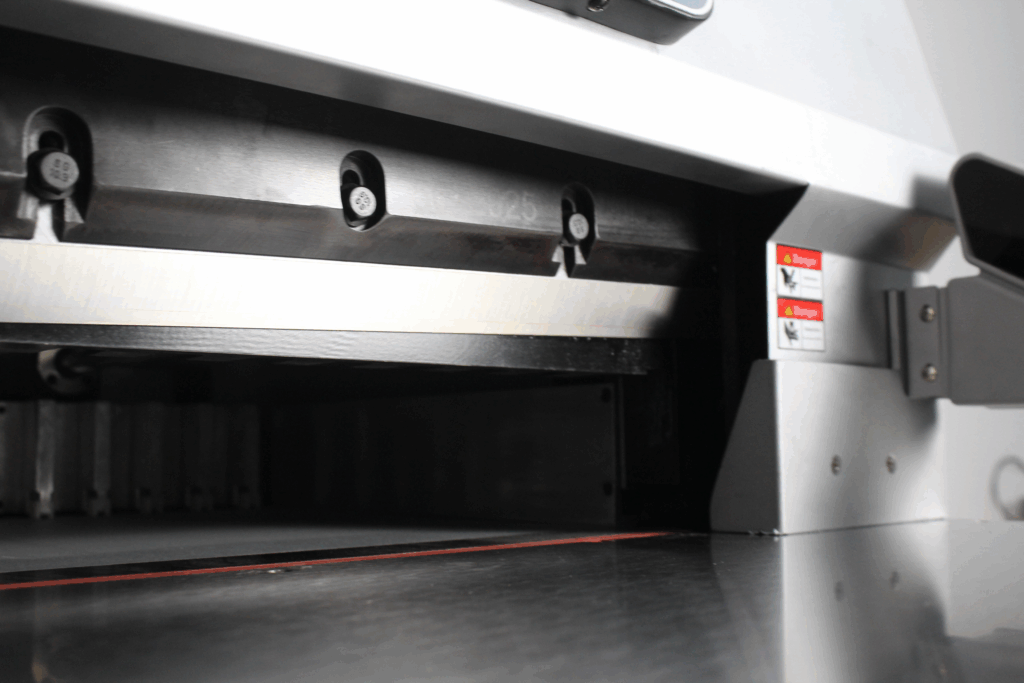
Office Paper Cutter
In the modern office, maximizing productivity is essential. A professional paper cutter is a key tool for achieving this, transforming a routine task into a quick, precise, and safe operation.
Unlike unreliable manual methods, an office paper cutter delivers consistently straight, clean edges on various paper sizes and weights, ensuring documents and presentations always look polished. This professional finish enhances your materials’ credibility and impact.
Its primary advantage is significant time savings. Processing multiple sheets in seconds eliminates the slow, tedious work of hand-cutting, directly boosting daily output. Integrated guides and measurement systems guarantee accurate, repeatable cuts, which is vital for team projects requiring standardization.
Critically, a modern paper cutter improves workplace safety. With fully enclosed blades and secure safety guards, it eliminates the common risks associated with scissors or exposed manual cutters, allowing for confident use in any busy environment.Ultimately, this tool is an investment in operational efficiency. It elevates finish quality, reclaims valuable time, ensures consistency, and safeguards staff—making it an indispensable asset for any productive workspace.
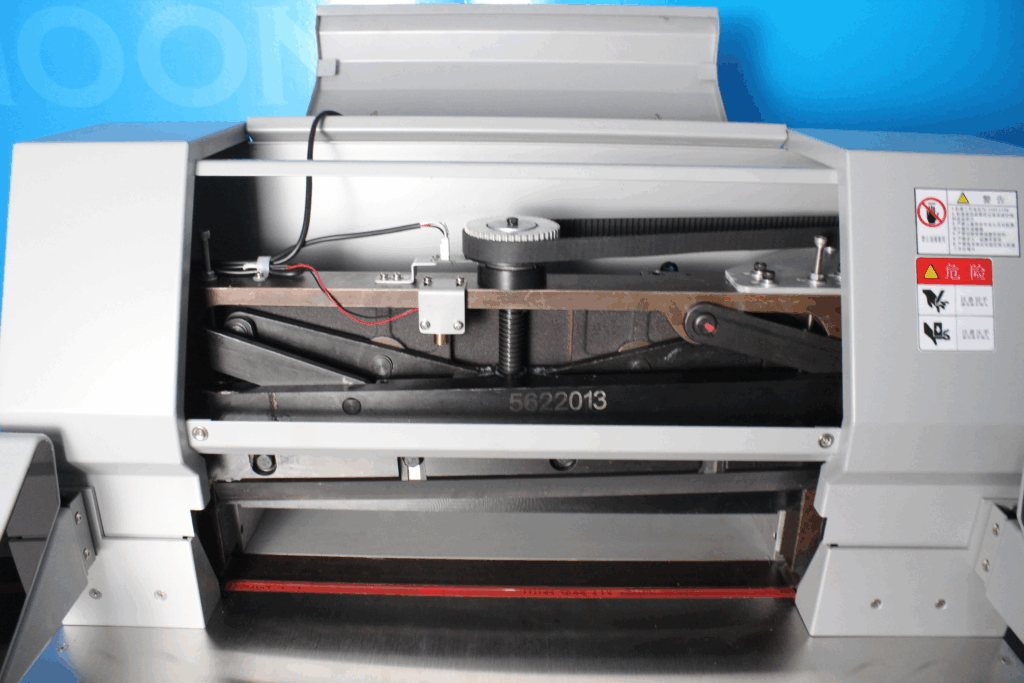
Types of office paper cutters
Office paper cutters are available in several distinct types, each engineered for specific tasks and volumes. Selecting the correct model is key to enhancing efficiency and achieving professional results. The primary categories are guillotine, rotary, stack, and electric cutters.
Guillotine CuttersThese are a staple in many offices, using a long, descending steel blade for straight, precise cuts. They excel at processing multiple sheets in a single motion and often include a clamp for secure alignment, making them ideal for bulk trimming of documents, brochures, and flyers.
Rotary CuttersFeaturing a circular blade that rolls across a track, these cutters provide smooth, accurate cuts with less downward force. They are particularly suitable for detailed work, such as trimming photographs, creating curved edges, or cutting delicate materials where a clean, tear-free finish is essential.
Stack CuttersDesigned for high-volume environments, these heavy-duty machines can cut through entire reams of paper at once using a powerful lever or hydraulic mechanism. They are the preferred choice for print shops or mailrooms that regularly need to trim large quantities of paper, booklets, or thick card stock quickly and uniformly.
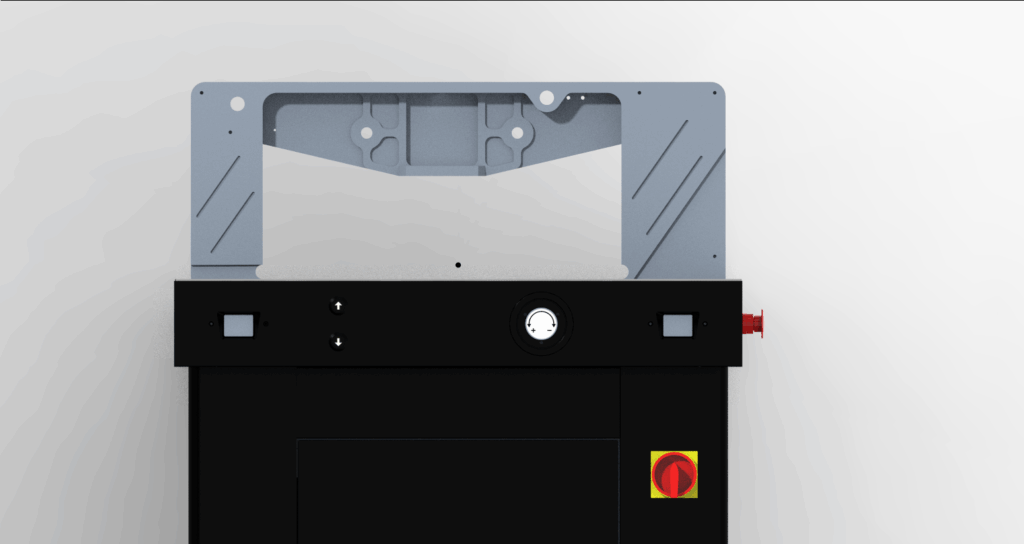
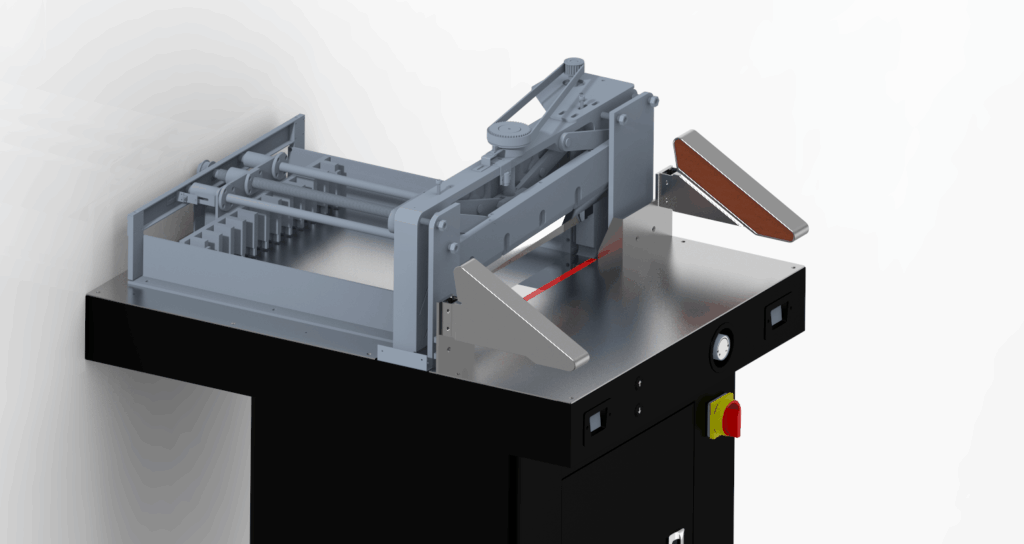
Electric/Automatic CuttersThese models offer the highest level of convenience and consistency. Motor-driven, they perform cuts at the press of a button or touchpad, minimizing operator effort and maximizing repeatability. Ideal for frequent, heavy use, they often include programmable memory for common sizes, enhancing both speed and precision.
Your choice should be guided by your typical paper volume, material types, and required precision. Whether you prioritize the robust simplicity of a guillotine, the fine control of a rotary, the high capacity of a stack, or the automated ease of an electric model, the right cutter is a fundamental tool for professional document finishing.
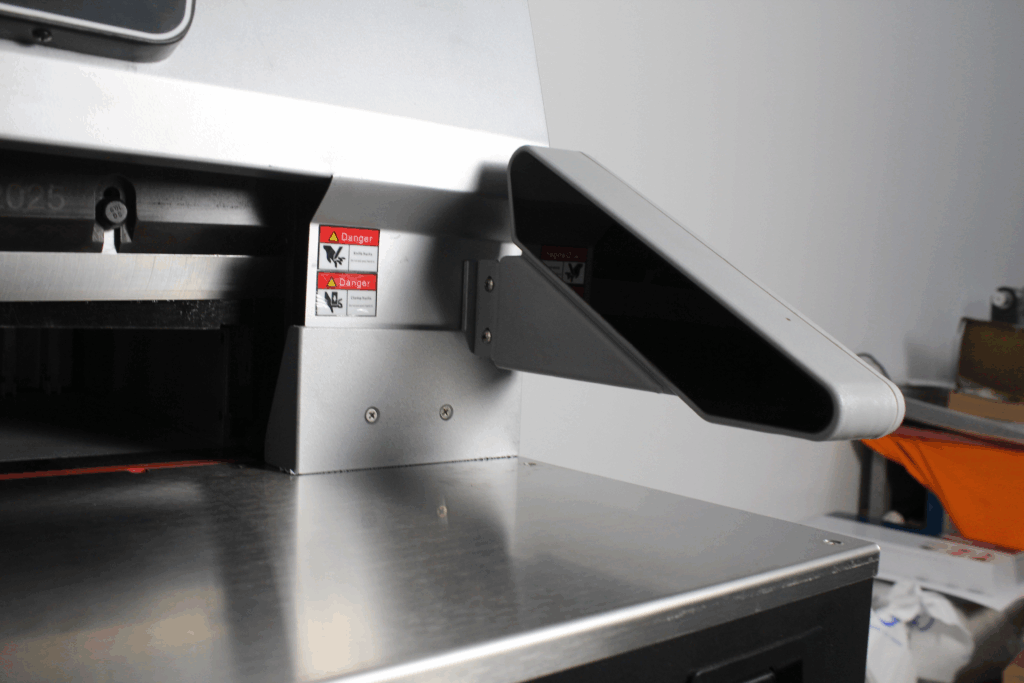
Factors to consider when choosing an office paper cutter
Choosing the most suitable office paper cutter hinges on a careful evaluation of several key practical factors. A focused assessment will guide you to a model that enhances both daily workflow and long-term value.
Key Factors for Selection
To find the perfect match for your needs, consider these essential points:
- Assess Cutting Capacity & SizeFirst, identify the maximum number of sheets you need to cut at one time and the largest paper size you regularly handle. A machine’s specifications must meet or exceed these two core requirements to avoid bottlenecks and ensure efficient processing of your typical workload.
- Priorities Cutting Precision & SafetyFor professional results, look for features that ensure accuracy and security. This includes a clear, easy-to-read measurement guide, an adjustable paper guide for alignment, and a secure clamping mechanism. Safety is paramount; essential features are a safety guard over the blade and a safety latch or lock to prevent unauthorized or accidental use.
- Evaluate Durability & Ease of UseThe machine should be constructed from robust materials like steel or reinforced aluminum to withstand regular office use. Equally important is ease of operation: a comfortable handle, smooth blade action, and an intuitive design reduce user fatigue and training time, making daily tasks quicker and simpler.
- Determine Budget & Overall ValueEstablish a realistic budget that considers the total cost of ownership, not just the purchase price. Weigh the machine’s build quality, feature set, and warranty against its cost. The best value lies in a reliable cutter that fits your operational needs and offers durability, rather than simply the least expensive option.
By systematically reviewing these factors—capacity, precision, safety, durability, usability, and cost—you can confidently select a paper cutter that boosts productivity, ensures safety, and delivers a professional finish for all your documents.
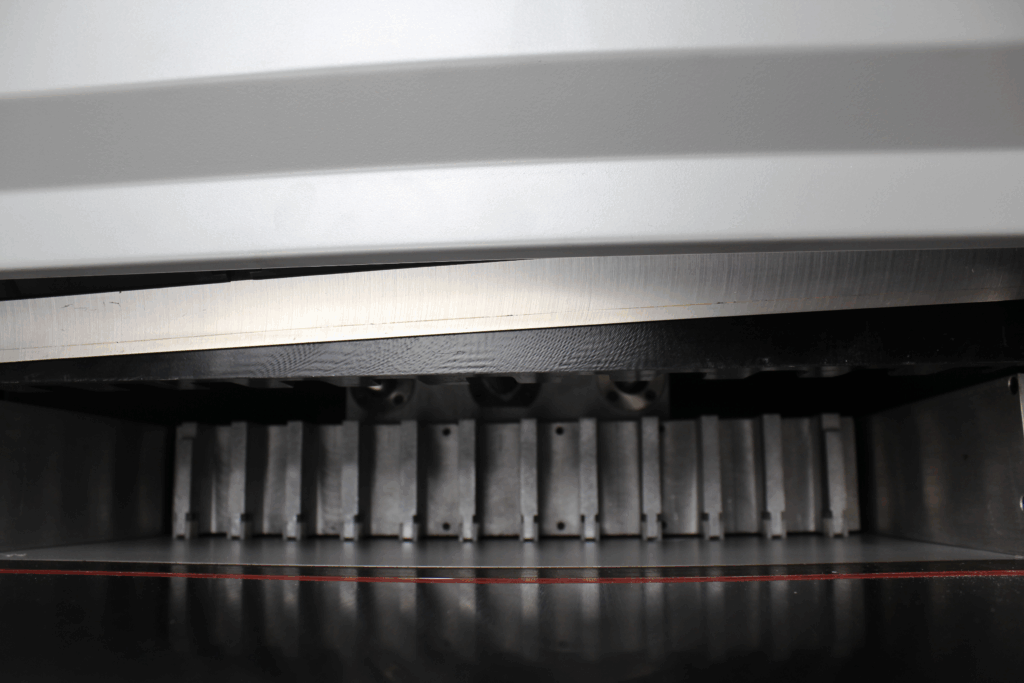
How to use an office paper cutter effectively
To operate an office paper cutter safely and achieve precise, professional results, adhering to a structured method is essential. The following best practices outline the correct procedure from setup to storage.
1. Initial Setup & Safety ReviewBegin by thoroughly consulting the manufacturer’s operational and safety guidelines specific to your model. Identify all safety features, such as the blade guard and safety lock, and understand their correct use before proceeding.
2. Document Preparation & AlignmentEnsure the paper stack is neat, with edges uniformly aligned and free of curls or staples. Position the stack flush against the cutter’s back guide and side fence. For critical accuracy, use the machine’s adjustable measuring guide to set the exact cut dimension, double-checking the alignment before securing.
3. Securing the Material & Executing the CutEngage the machine’s clamp or paper holder to firmly secure the stack, preventing movement during cutting. Apply smooth, consistent pressure to the lever or button—avoiding any jerking motion—to allow the blade to glide cleanly through the material. For large volumes, process in smaller, manageable batches rather than exceeding the machine’s rated sheet capacity; this ensures cleaner cuts and reduces mechanical strain.
4. Post-Use Care & StorageAfter use, clean the cutting bed and blade area with a soft brush or cloth to remove paper dust and debris. Perform any periodic lubrication as specified in the manual. Finally, engage the safety lock and store the cutter in a dry, stable location, protected from dust and unauthorized handling.Adhering to this protocol—prepare, align, secure, cut cleanly, and maintain—will maximize the cutter’s efficiency, ensure operator safety, and extend the equipment’s service life, guaranteeing perfect cuts for every project.
Maintenance and safety tips for office paper cutters
To ensure the long-term reliability and safe operation of your office paper cutter, implementing a structured maintenance routine is essential. Proper care not only extends the equipment’s service life but also safeguards workplace efficiency and user safety.
Core Maintenance & Safety Protocol
1. Routine Cleaning & Basic UpkeepAfter each use, clean the cutting bed with a soft cloth or brush to remove paper dust and debris, ensuring accuracy for the next task. Consult the manual and periodically apply a small amount of specified lubricant to moving parts (e.g., pivots, rails) to maintain smooth blade action and minimize wear.
2. Blade Care & ReplacementA sharp blade is critical for clean cuts. Regularly inspect the blade for nicks or dullness. If cuts become uneven or ragged, follow the manufacturer’s guidelines for professional sharpening or replacement. Never operate the cutter with a blunt blade.
3. Safe Storage & Operating PracticesWhen not in use, engage the safety lock and store the cutter in a dry, stable location, out of reach of children. During operation, always use the safety guard, keep hands clear of the blade path, and ensure no staples or hard objects are in the paper stack.
4. User Training & Regular InspectionEnsure all users are properly trained in correct and safe operation. Periodically check the machine for loose screws, component alignment, and that all safety features function correctly. If any abnormality is detected, stop use immediately and seek professional servicing.Adhering to these simple principles of clean, lubricate, inspect, and operate safely will help your paper cutter perform optimally for years, supporting a productive and secure office environment.
Conclusion: Enhancing office efficiency with the right paper cutter
In the contemporary office, where optimizing workflow is paramount, precision tools like professional paper cutters are fundamental to maintaining efficiency. They integrate seamlessly into document finishing processes, directly contributing to streamlined operations and conserved resources.
The primary advantage lies in their ability to deliver consistent, professional results. Engineered for accuracy and ease of use, these cutters handle diverse paper formats and weights, transforming tasks that once risked uneven, amateurish results into ones yielding perfectly crisp edges every time. This reliability ensures documents, presentations, and marketing materials always meet a high standard of polish.
The impact extends beyond aesthetics to tangible productivity gains. By executing flawless cuts rapidly and effortlessly, a paper cutter accelerates project completion, reduces manual labour time, and minimizes material waste from errors. This allows teams to focus on higher-value work, making it an indispensable asset for an efficient, professional workspace.